
Every screenshot job. Paid for once.
Capture any part of any screen, mark it up, pull the text out, or turn a whole page into a Word document, with the same tool on your Mac and your PC.
Free for your first 25 captures, then $29.99 once, for a Mac and a PC · no subscription · no tracking
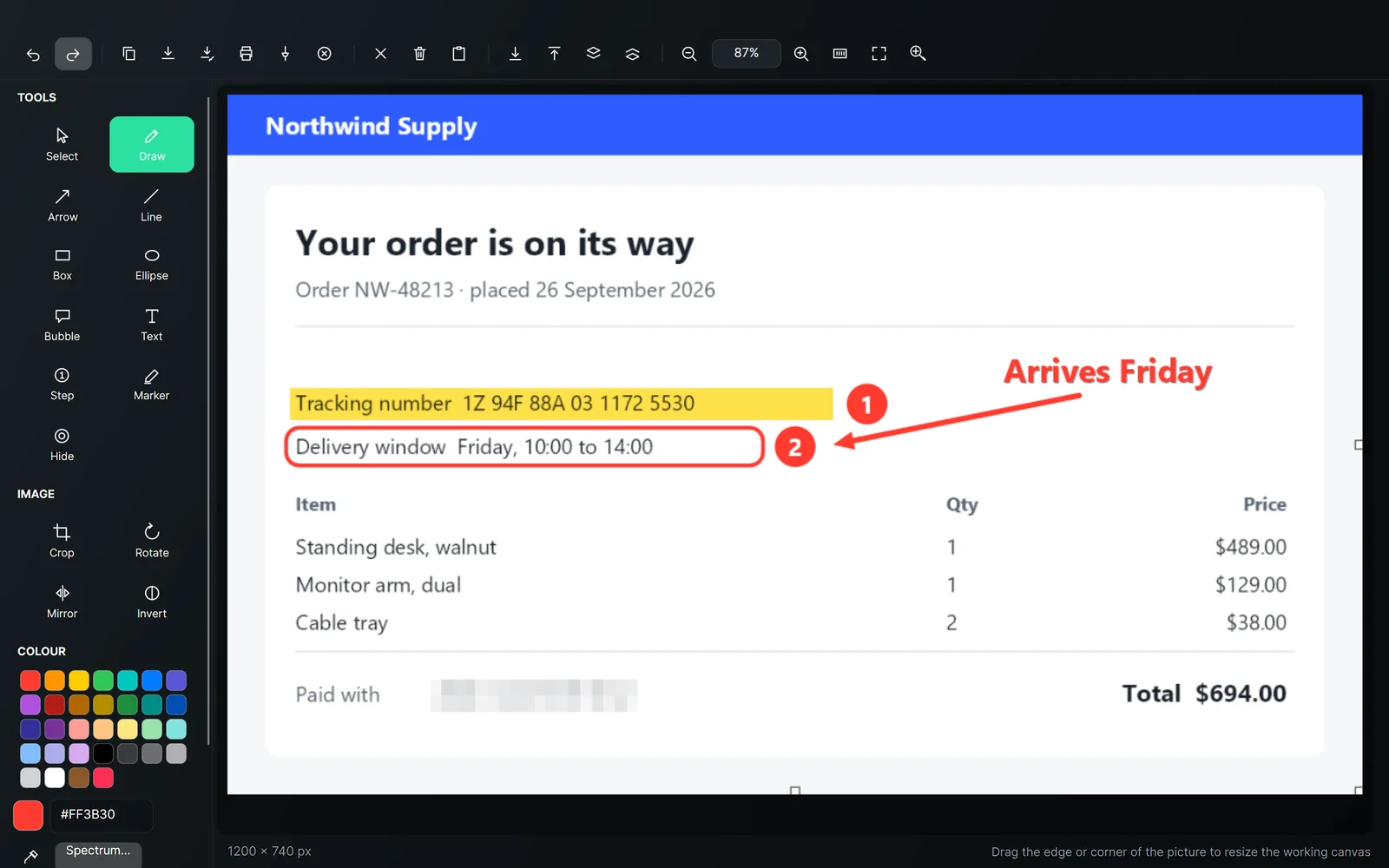
Your order is on its way
Tracking1Z 94F 88A 03 1172 5530
DeliveryFriday, 10:00 to 14:00
ההזמנה שלך בדרך
Paid with4580 1234 5678 9012
- Copy
- Save
- Edit
- Pin
- Text
- Document
Recognised on this computer · copied
- Tracking 1Z 94F 88A 03 1172 5530
- Delivery Friday, 10:00 to 14:00
- ההזמנה שלך בדרך
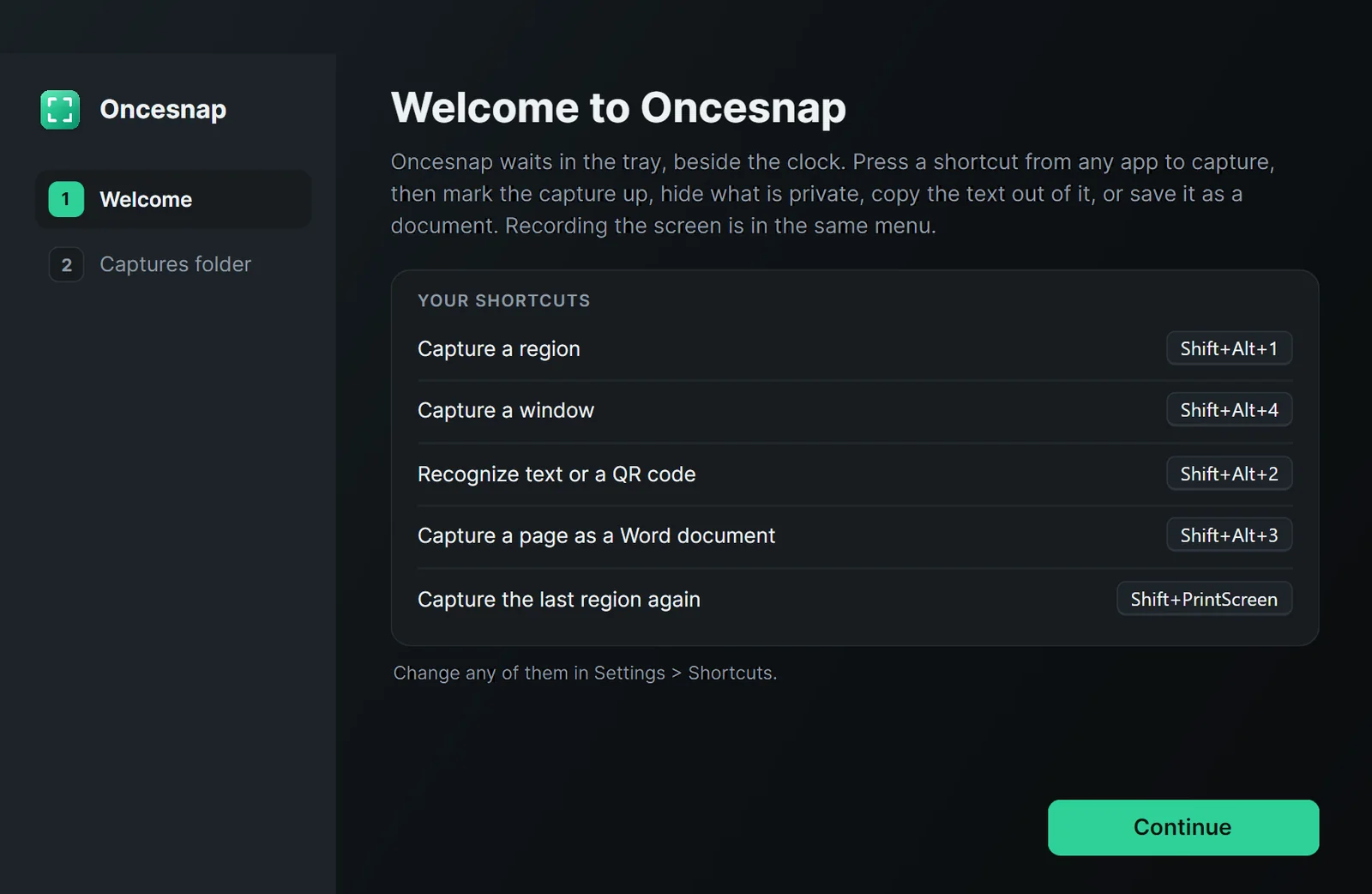
Oncesnap waits in the menu bar. Press ⌃⌘1 in any app and drag over what you need.
One licence, both of your computers
- macOS 14 or later, Apple silicon
- Windows 10 and 11
- The same features, matching shortcuts
They make you pick a side, and a plan.
One computer only
The favourite Mac tool has no Windows version, and the Windows tools never came to the Mac. A Mac at home and a PC at work means two tools and two sets of habits.
A subscription for screenshots
The best-known screenshot tool has gone subscription-only. Paying every year to keep taking screenshots never made sense.
Text it cannot read
Built-in text recognition skips languages like Hebrew, so the words in a picture stay stuck there.
Oncesnap does every screenshot job on both, and you pay for it once.
Press, pick, send it on.
- 01
Press the shortcut
⌃⌘1 on a Mac, Alt Shift 1 on Windows, from any app. Every screen shows at its own scale.
- 02
Pick what to keep
A region, a window, the whole screen, or a long page that scrolls, captured down or up as one tall picture.
- 03
Send it where it goes
Copy it, save it, mark it up, pin it over your work, pull the text out, or make it a Word document.
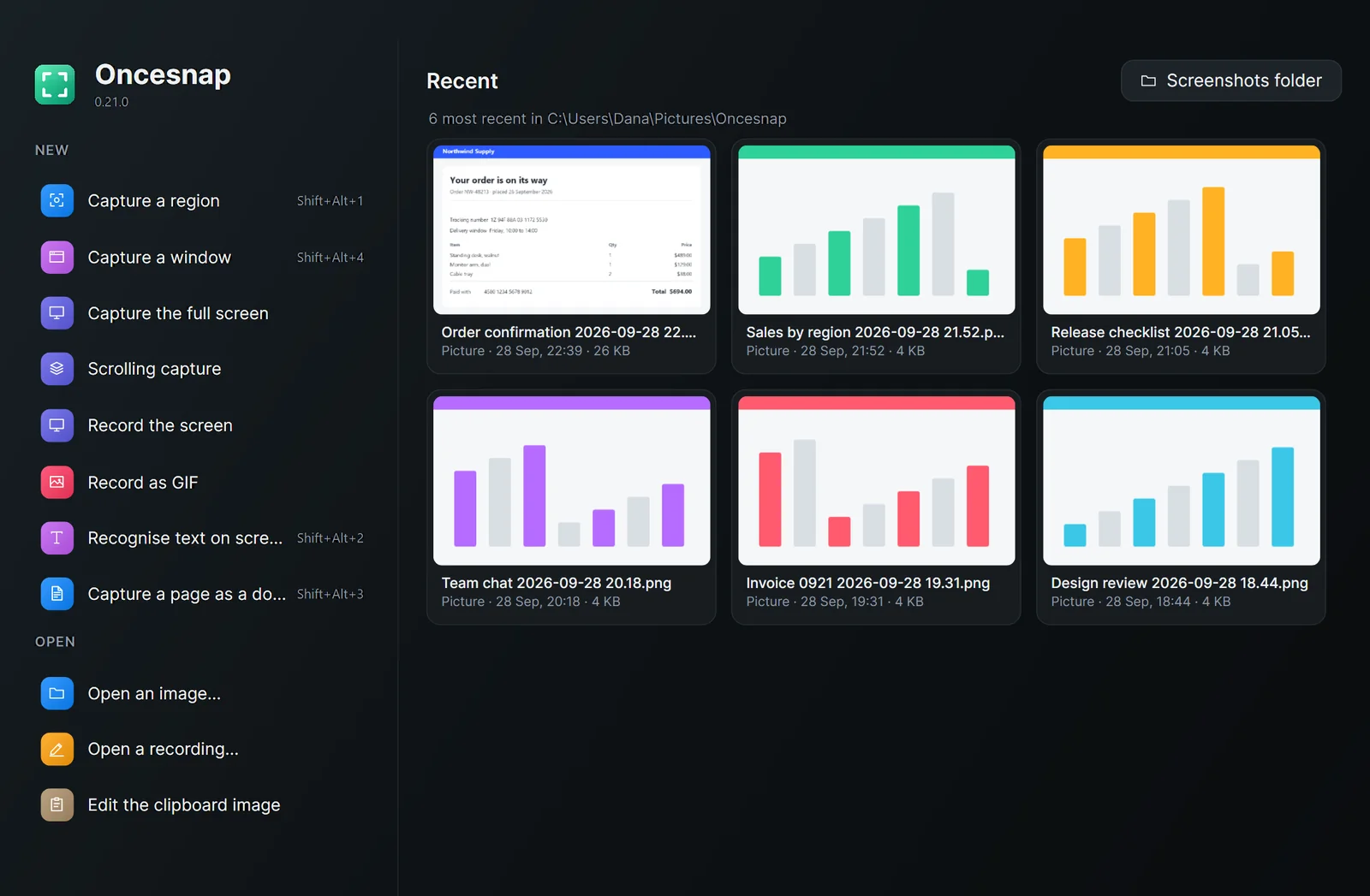
- CaptureA region, a window, the full screen or on a timer, with a pixel magnifier and arrow-key nudges.
- ScrollA whole page, down or up, as one tall picture: every row once, in order.
- Act fastAfter each capture: copy, save, edit, pin, read the text, or make a document.
- Mark it upArrows, boxes, numbered steps, text, speech bubbles and a highlighter; crop and rotate.
- Hide what's privateBlur, mosaic or erase. What is hidden is gone from the picture, not just covered.
- Read the textText and QR codes from anything on screen, offline, Hebrew and English included.
- Pages to WordIt scrolls a long page, reads it, and saves a Word file that keeps the layout.
- RecordThe screen to video or GIF, then cut, split and mute in the built-in editor.
- PinFloat a capture above every window while you work from it.
The pixels you picked, on every screen.
-
Every screen at its own scale
Mixed 100, 125 and 150 percent monitors, portrait or landscape: the selection shows each screen exactly as it is, and the capture holds the pixels you selected.
-
Pixel-exact
A magnifier names the colour under the pointer. The arrow keys move the selection one point, or ten with a modifier key held.
-
Tested before every release
Every version is driven end to end on a Mac and a Windows PC, with real keys and clicks, and the pictures it makes are checked, before anyone gets it.
Real screens from the app.
Your captures stay on your computer.
Oncesnap has no analytics, no tracking and no ads. It goes online only to check for updates, to check your licence, and to upload a capture when you ask it to, to your own Dropbox or Google Drive.
- No account, no sign-in
- Text recognition runs on your computer
- Captures are saved where you choose
- Uploads only when you pick your own cloud
- No ads, no analytics, no trackers
Try it free. Then it's yours.
Your first 25 captures
Free
- Every feature, on a Mac or a PC
- No card and no time limit
- Everything you captured stays yours
One purchase, both computers
$29.99once
$19.99 in launch week- For a Mac and a PC (2 devices, in any mix)
- Every future update included
- 30-day refund
No subscription, ever. On a Mac, Oncesnap will also be in the Mac App Store.
Be the first to know.
Oncesnap is coming to the Mac and to Windows, paid for once. Send one email and we'll write back the day it's out.
Opens your email app, addressed to [email protected]. We use your address only to tell you when Oncesnap launches.